A Pepperjam affiliate link can send a shopper to the correct store while the coupon beside it still fails. Say your outdoor-gear site publishes a code for a £70 jacket, but the discount excludes clearance products. The click works. The promise doesn’t. You lose the reader before commission reporting can explain what happened.
For coupon publishers, the real job is connecting approved promotions to accurate conditions, then keeping both current. couponPHP is a self-hosted PHP coupon and deal script whose network plugins import offers manually or through server cron jobs. That saves copying, but it doesn’t replace merchant permission or editorial checks.
What Pepperjam affiliate means today
The former Pepperjam network is now presented as Ascend by Partnerize. An old plugin guide therefore needs a compatibility check before you connect a current account. Don’t assume a change in branding leaves authentication, offer fields or reporting unchanged.
A network sits between publishers and merchant affiliate programs. Wikipedia’s Affiliate network article (accessed 2026) describes that intermediary role and the tracking, reporting and payment services networks can provide.[1] Your coupon site is the publisher; the retailer sets the conditions of its own program.
The practical consequence is separate checks for account access, merchant participation and feed access. A working login proves the first. It doesn’t prove the other two. Before reviving an installation, confirm the supported integration version through integration support, and test it away from your public site.
An application should explain how your site earns the click
A reviewer seeing hundreds of copied store pages has little evidence that your site will help shoppers. Say your site focuses on walking equipment for UK customers. A useful application explains that focus, the countries you serve, where traffic comes from and how you check expiry dates.
You can prepare a small, finished set of store pages with genuine offer conditions, a contact page, privacy information and a clear commission disclosure. Include accurate business and payment details requested by the current application. Don’t invent audience numbers to fill an empty field; a new site can explain its planned channels honestly.
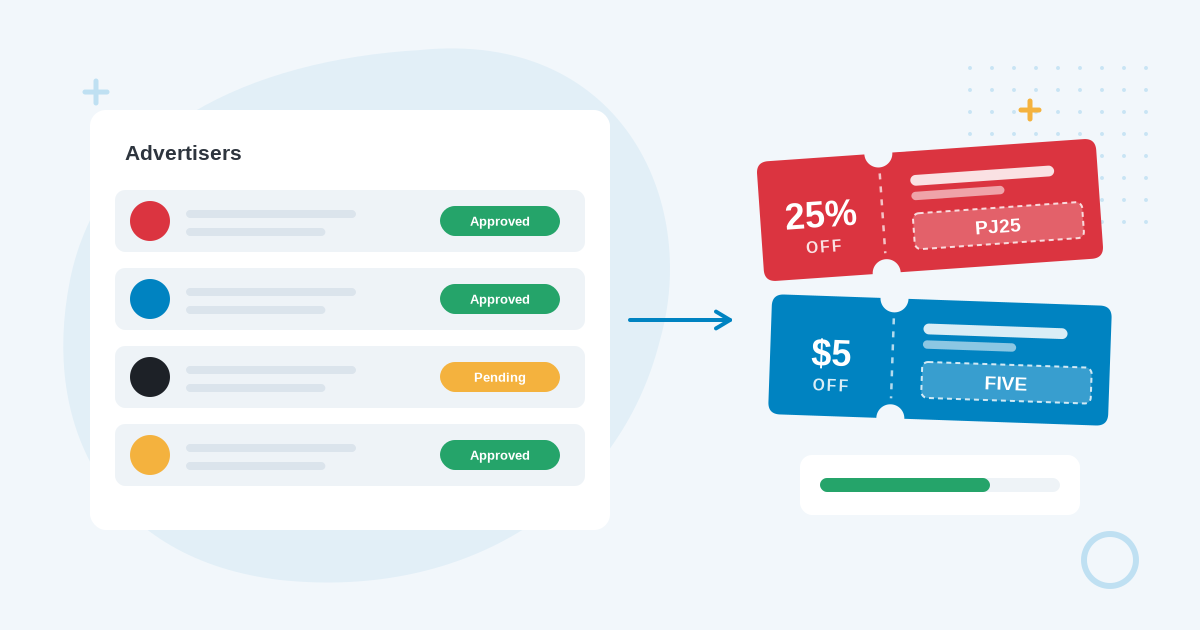
Then check advertiser-level approval. Your merchant application can describe a specific page and explain how you’ll avoid publishing private or unauthorized codes. This gives the reviewer something concrete to assess. Our coupon affiliate program guide helps you compare merchant fit before spending time on integrations.
Approval isn’t a guarantee of earnings. It establishes a permitted relationship, subject to the terms you’ve accepted.
Coupon terms that belong beside the offer
A headline reading “20% off” is incomplete if the discount requires a new customer account and excludes the item the reader wants. Keep those restrictions beside the code, rather than inside a collapsed block that mobile visitors may never open.
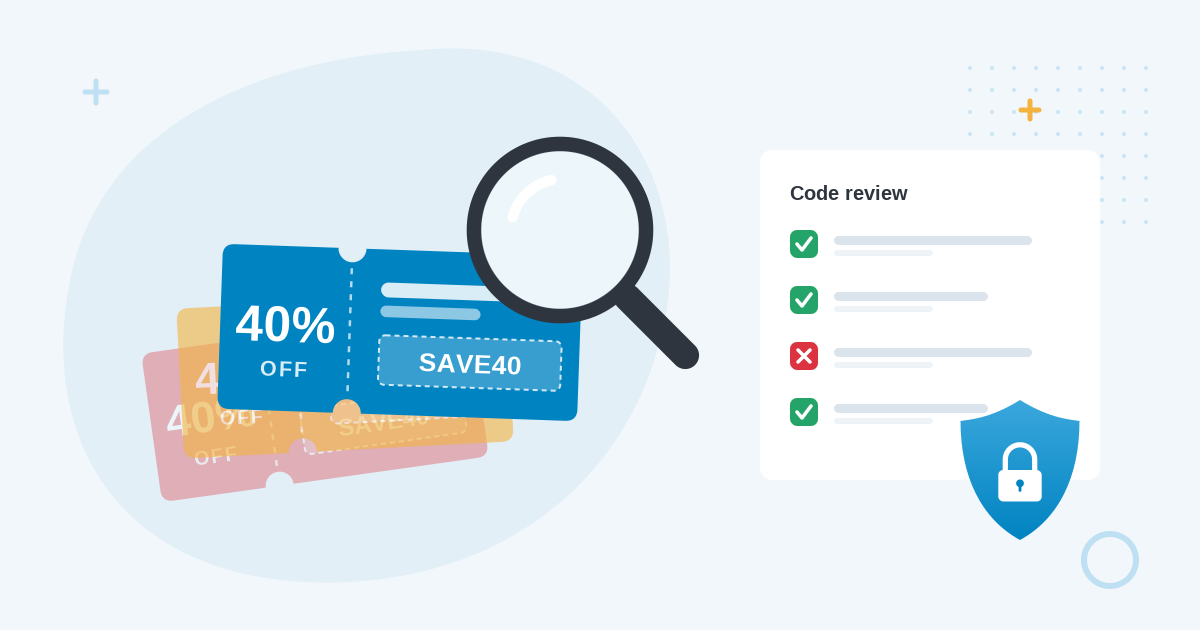
For every advertiser, record which codes you may distribute, eligible countries, minimum spend, product exclusions and expiry timezone. Ask how public codes found outside the affiliate feed are treated. A code appearing on another website isn’t evidence that you may promote it or receive commission for its use.
Your review should also cover paid search, brand-name bidding, email, cashback and browser tools if you use those channels. Don’t infer permission from another publisher’s behavior. Explain the attribution window—the period in which a referred purchase may qualify—and ask about coupon-specific commission exclusions.
A disclosure should explain your financial relationship. The Federal Trade Commission’s Endorsement Guides Q&A (2023 revision) says material connections should be clearly and conspicuously disclosed.[2] For US-facing recommendations, “We may earn a commission if you buy through our links” is clearer than a bare “affiliate link” label. It doesn’t excuse an inaccurate savings claim.
Cron should refresh offers without multiplying mistakes
An importer can create duplicates if two jobs process the same offer at once. Another failure is quieter: a successful server task downloads an empty response after access has expired, and your site continues showing yesterday’s promotions.
A sensible first run imports a small approved merchant set manually. Check the code, destination URL, merchant match, currency, start date and expiry. Preserve the supplied tracking parameters; rewriting the landing URL can remove attribution. Then use the cron setup guide to schedule the tested task.
These are operating requirements to verify, not promises about the historical plugin:
- Match records by source and offer ID, rather than creating a new coupon on every run.
- Prevent concurrent runs, and retain the last successful import time.
- Log fetched, updated, rejected and expired records separately.
- Treat authentication failures differently from an authenticated response containing no offers.
Keep API secrets out of public pages and routine logs. The IETF’s RFC 6750 (2012) requires secure transport and protection against disclosure for bearer tokens.[3] If your connector uses another credential type, the same practical concern remains: someone who obtains the secret may access your feed.
Measure approved commission, not headline activity
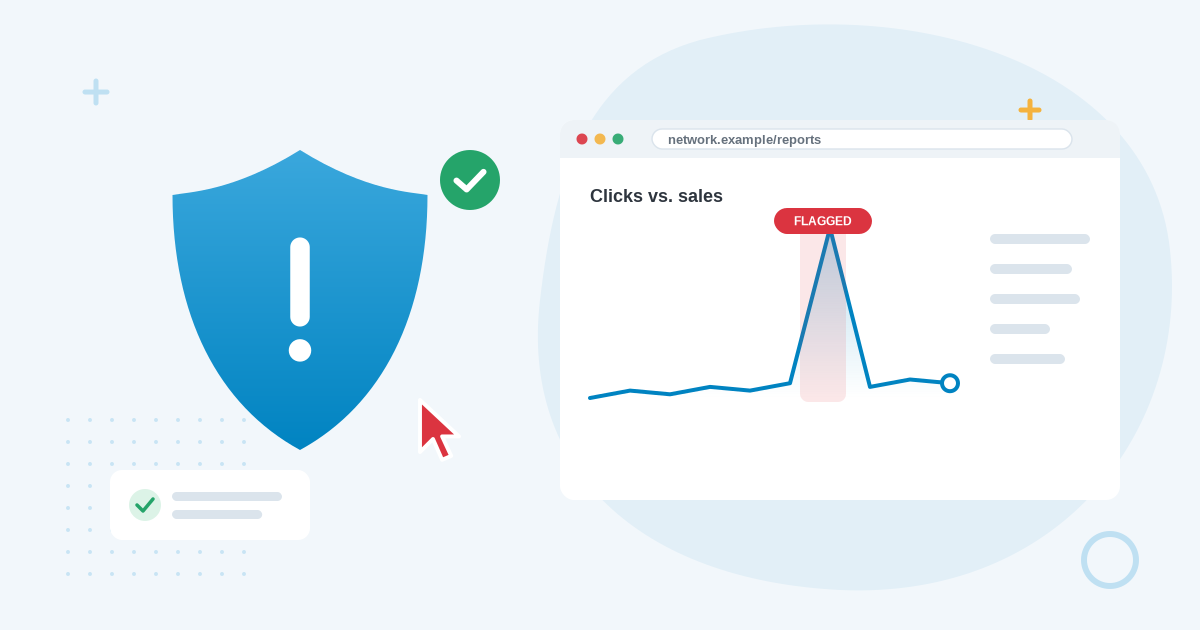
A busy coupon page can produce clicks that never become payable sales. Returns, excluded purchases and attribution rules can separate recorded transactions from approved earnings. Your merchant terms and reports determine the actual treatment; there’s no universal Pepperjam affiliate commission rate for a coupon site.
Say a page produces 500 outgoing clicks and eventually earns $40 in approved commission. Its approved EPC, or earnings per click, is $40 ÷ 500 = $0.08. That’s a hypothetical calculation, not a network benchmark. Use the same reporting period and currency when comparing pages.
A store with fewer codes may earn more because readers understand its restrictions and reach relevant products. Our affiliate metrics guide explains how to separate clicks, pending sales and approved earnings. That separation helps you choose merchants without rewarding a feed merely for being large.
The original 2016 announcement
The following announcement preserves the release details. Its price, feed limitations and availability describe December 2016, not a current compatibility or pricing guarantee.
We are delighted to inform you that the Pepperjam Network integration plugin for CouponPHP script is ready for download.
It can be run manually from your admin panel or automatically from your server’s cronjobs interface. It automatically imports all the available coupons and deals from your account and creates new stores if they haven’t been created before. The only inconvenience is that Pepperjam Network doesn’t provide images for the offers nor for the merchants, so you are expected to assign images manually to the merchants you’ve subscribed to.
The plugin’s price is $29 and it can be purchased in your member area, it has the same limits on domains it can be installed on as your CouponPHP license.
Also check out all other plugins we have available for CouponPHP script.
Frequently asked questions
What is the Pepperjam affiliate network called now?
The former Pepperjam network is now presented as Ascend by Partnerize. Publishers should use the current account and support route rather than assume an old Pepperjam login or API instruction still applies. The 2016 integration announcement documents historical functionality; it does not establish that the same credentials or plugin version work today.
Does network approval let me publish every merchant’s coupons?
Don’t treat a network account as permission to promote every advertiser. Check each merchant relationship and its coupon-publisher terms before importing offers. Your review should cover permitted codes, traffic sources, paid search, email, cashback and geographic restrictions. Keep written approval with your merchant record so a later import cannot silently publish offers outside that permission.
How often should I import affiliate coupons?
Choose the schedule from the feed’s update frequency, the API allowance and the urgency of your offers. Test one manual import before enabling cron, then log successful completion and record counts. A more frequent schedule is useful only if it brings fresh data without exhausting requests or letting overlapping jobs create duplicate coupons.
Make the first live import deliberately small
Your first production batch should contain merchants whose permission, links and coupon restrictions you’ve checked. A short catalog that you can defend is a better starting point than a large import you can’t explain to a shopper or program manager.